SAJ BATTERY SCHEDULING
Lock in a peak export rate and save at other times by charging your battery when wholesale prices are low.
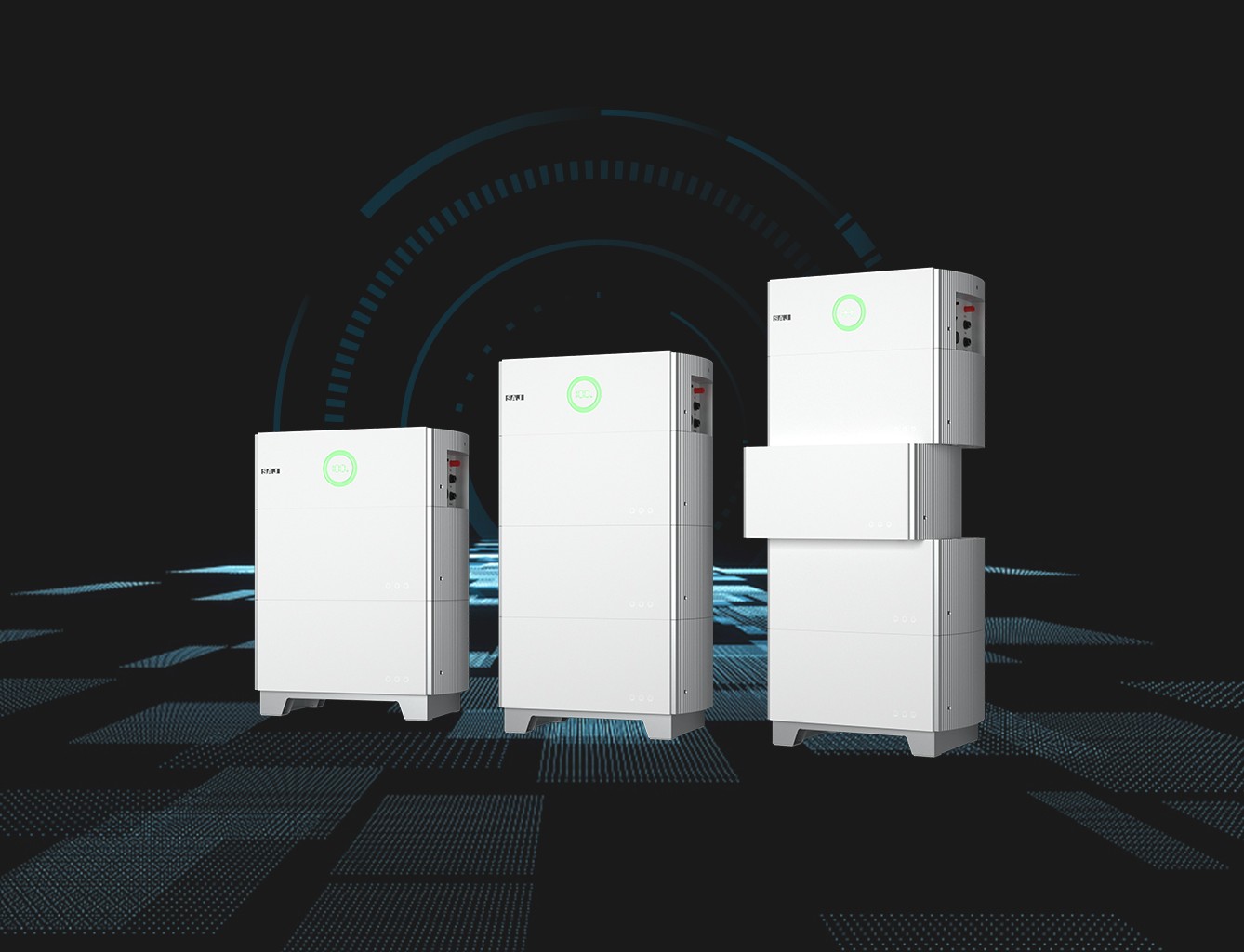
Saj solar battery scheduling & setup
This guide explains how to configure your Saj hybrid inverter and battery to discharge between 5:30pm and 9:30pm using Time of Use (TOU) mode in the Saj monitoring app.
This setup is required if you’re participating in Flow Power’s Happy Hour Electricity Plan.
How to setup your battery
Step 1 –
Confirm your inverter & app access
This guide applies to:
- SAJ hybrid inverters (e.g. Suntrio / H2 / HS2 series depending on installation)
- Paired with compatible Saj high-voltage or low-voltage batteries
- Using the Saj monitoring app (eSolar / Saj Cloud) or web portal
Ensure:
- Your inverter is online and communicating
- You have owner-level login access
- Your battery shows available capacity
- The inverter is not in fault mode
Step 2 –
Set work mode to TOU (Time of Use)
- Open the Saj monitoring app
- Select your inverter
- Go to Settings
- Navigate to Work Mode / Energy Mode
- Select Time of Use (TOU)
Why TOU?
TOU mode allows you to schedule specific charge and discharge periods.
If your inverter is set to Self-Use mode, it will prioritise home consumption and may not export during the Battery Happy Hour window.
Step 3 –
Create the 5:30pm–9:30pm discharge window
In TOU mode, locate the Discharge Schedule section.
Add a new time period:
- Start: 17:30
- End: 21:30
Set this period to Discharge.
Save settings.
This instructs the battery to discharge during the Happy Hour window.
Step 4 –
Set Minimum State of Charge (Min SOC)
To ensure available energy:
- Navigate to Battery Settings
- Locate Minimum SOC
- Set to 10–20% (typical recommendation)
If Min SOC is set too high (e.g. 40–50%), your battery may stop discharging early and miss part of the 5:30–9:30pm window.
Step 5-
Confirm export settings
Even if your battery discharges, export may be blocked if:
- Export Control is disabled
- Export limit is set to 0 kW
- DNSP export cap is lower than inverter output
- Installer has locked export permissions
Check:
- Go to Advanced Settings
- Confirm Export Control = Enabled
- Confirm export limit matches your DNSP approval (commonly 5 kW single phase, varies by region)
If these settings are locked, contact your installer.
Step 6-
Verify during Happy Hour
Between 5:30pm–9:30pm:
Check the app dashboard and look for:
- Battery discharging
- Grid export shown as negative grid consumption (or export flow to grid)
- Export power greater than 0 kW
If battery is discharging but grid export is 0:
- Your home load is absorbing all energy
- Or export is restricted
Earn up to a 35c per kWh evening feed-in tariff
- Keep full control of your solar and battery and earn a 30-35c/kWh feed-in rate between 5:30-9:30pm, every day.
- Our dynamic pricing rewards you for using energy when it’s cheaper and more renewable.
- Your home’s energy use is matched with 100% GreenPower from one of our renewable projects in your state.
- Better manage their energy use with the help of smart insights via the Flow Power app.

Do I control my own exports?
Yes. You keep full control of your solar and battery system at all times.
Flow Power doesn’t remotely control your inverter or battery. Instead, we give you price signals and a clear export window, and you decide how to respond.
If you have a battery or smart inverter, you (or your installer) can set it up so you charge when energy is cheaper and export more during Happy Hour, but all those settings remain in your hands.
Don’t have a battery?
Compare quotes from your local pre-vetted installers with Solar Choice.
Learn moreGot more questions? we’re here to help
For technical support in Australia, contact:
SAJ Australia
Phone: 1300 001 002
Email: info@saj-electric.com.au
Australian office: Unit 2, 9 Ashley Park Drive, Chelsea Heights VIC 3196
If export settings are locked, you may need to contact your installer directly.